Your notebook doesn't sync. Now your handwriting does.
Every coach I know keeps a notebook. Mine was a spiral-bound thing that lived in my pocket and always snagged my clothes, a few pages welded together after a wet Tuesday in March. There were good notes in it. "Back four stepping up too slow on the turn." "Ask about Maya's ankle." "Run the 3v2 transition again, they finally got it."
None of that helped me on Saturday, because the notebook was in the car.
That's the whole problem with paper. It's the fastest way to catch a thought at training, and the worst possible place to keep it. You write something down at 6:40 on a Thursday and by the time you're planning the next session you're reconstructing it from memory, or you've lost it entirely.
But wait! Super Trainer is now open to everyone: Android on Google Play and iOS on TestFlight. Install it, then read on for how handwriting recognition made it into a fully offline app.
This is part of a series on building an offline-first coaching app. The next piece covers bringing an actual model into the plan generator without giving up the offline guarantees. Subscribe for free and it will land in your inbox when it's ready.
The half of the problem I hadn't solved
Last time I wrote about generating practice plans on the device, offline, with no language model anywhere in the loop. Session structure, water breaks every 30 minutes, intensity dialled down as a match gets closer, hard caps when the squad's workload ratio says back off. All of it deterministic, all of it running on a tablet with airplane mode on.
I ended that piece by promising the next one would be about bringing an actual model into the mix without giving up the safety guarantees. That article is still coming. But there's a piece that has to exist before it, and building it turned out to be more interesting than the AI part.
A plan generator is only as good as what you tell it. The app knew plenty about what happened: attendance, session load, wellness ratings, injuries. It knew nothing about what the coach saw. That gap is where all the useful stuff lives, and coaches already record it. On paper.
Coach Notes
The first half is unglamorous. There's a Notes tab now. You write a note, optionally give it a title, and it saves to the device. Notes sync across your devices when you have signal, so the thing you scribbled on the tablet at training is on your phone at home when you're planning Thursday.
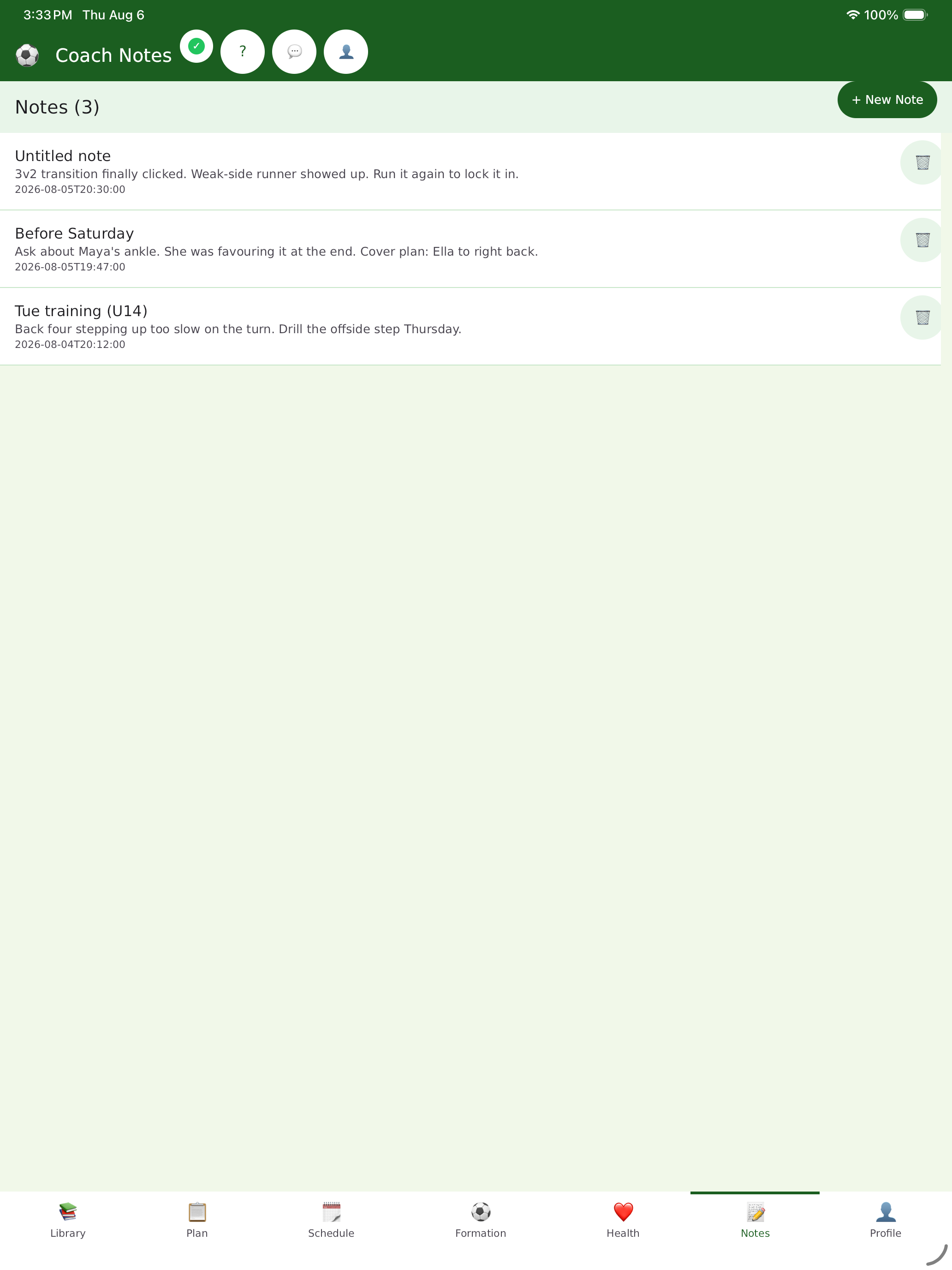
That's it. No structure imposed, no required fields, no tagging taxonomy to learn. The empty state says "Jot down what you saw at training, what to work on next, or anything you want to remember," and the field is free text, because the moment you make a coach fill in a form they stop writing notes.
The part that took real work
Typing on a tablet at the side of a pitch is miserable. It's cold, you might have gloves on, and the on-screen keyboard eats half the screen. Coaches don't type at training. They write.
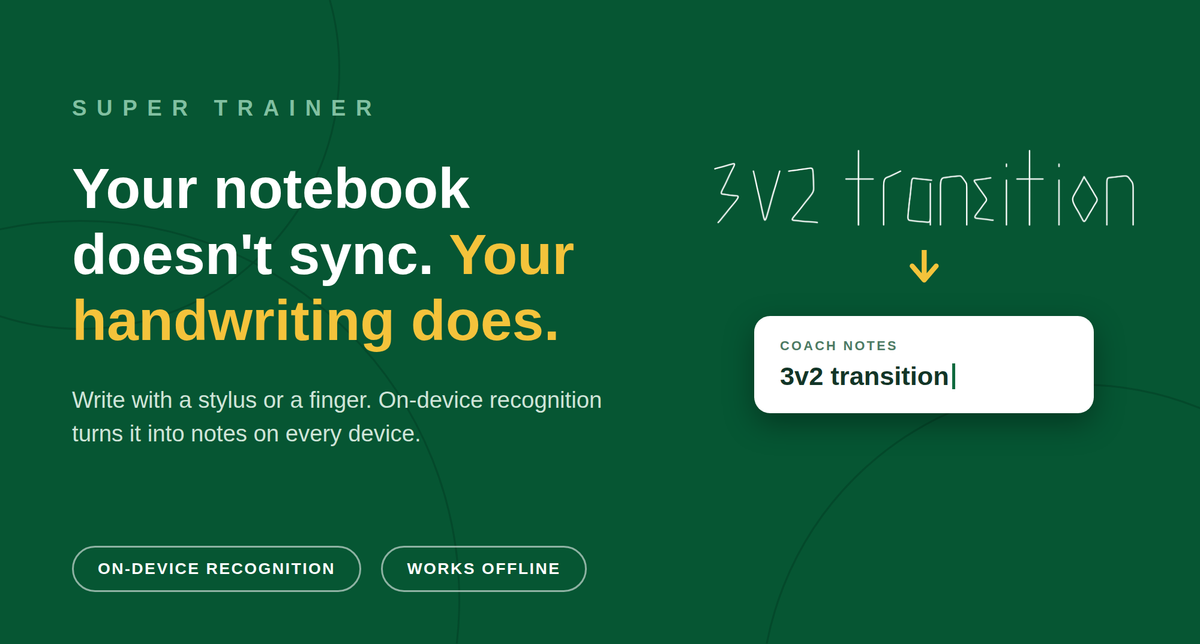
So the note editor has a Handwrite button. Tap it and you get a full-screen canvas. Write with a stylus or a finger, in your own handwriting, as badly as you like. Three buttons at the bottom: Clear, Cancel, Insert. Insert runs recognition and drops the text into the note body, where you can fix anything it got wrong.
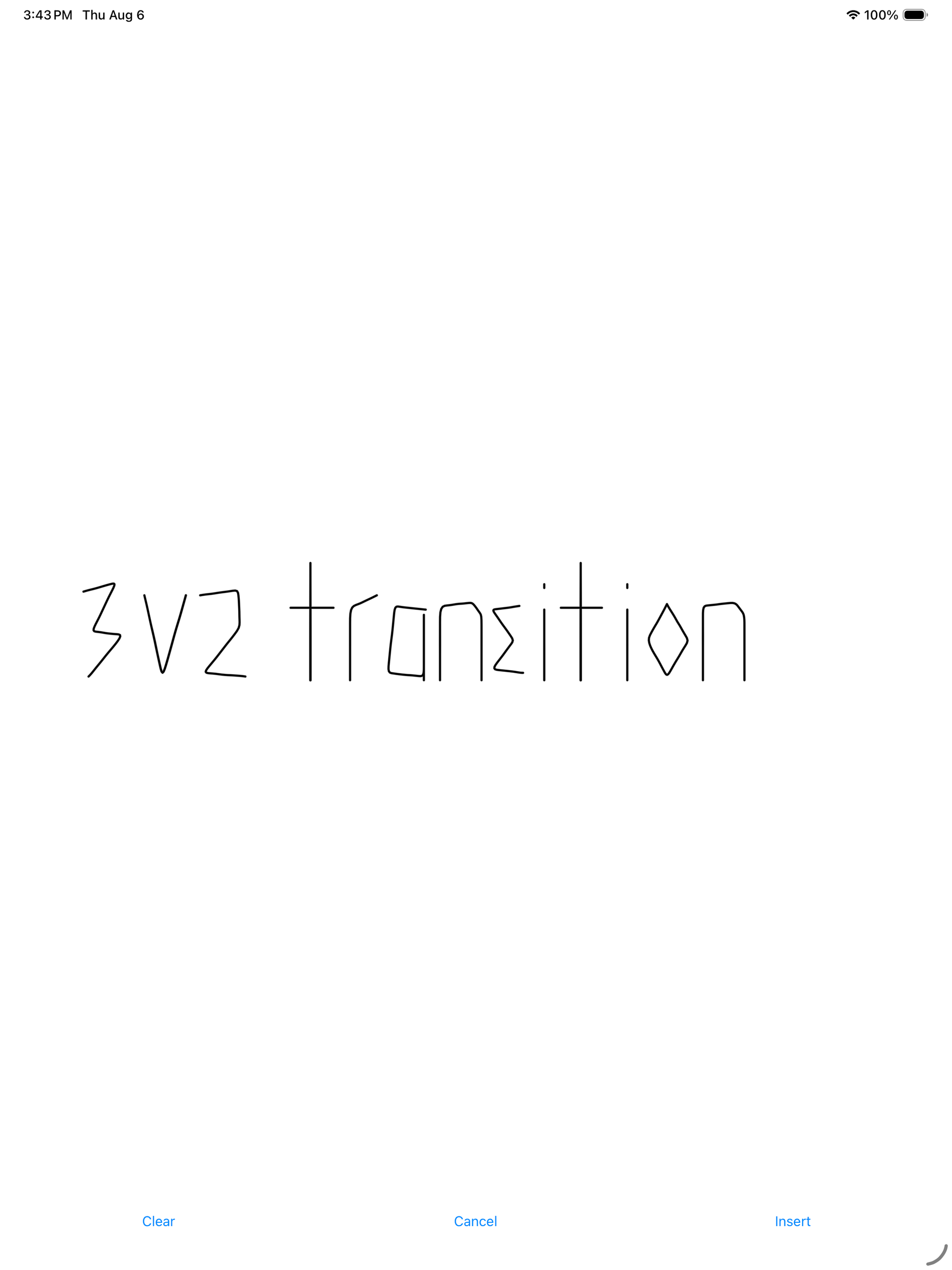
The recognition happens on the device. Nothing needs a server.
The two platforms get there differently:
Android uses ML Kit Digital Ink. It's a point-based recognizer, which means it isn't looking at a picture of your finished writing. It watches the strokes as you make them: the order, the direction, the timing between points. That's how it copes with handwriting that would be unreadable as a static image. Genuinely bad cursive is much easier to read if you saw the pen move.
iOS uses a PencilKit canvas and Apple's Vision framework, which reads the rendered image. Vision ships in the OS, so there's nothing to download.
One honest caveat on Android: the first time you use it, ML Kit fetches its English recognition model, and that needs a connection. After that the model is cached on the device and recognition works with no signal at all. So it's offline-first with an asterisk on day one. Everything else in the app holds the line properly, and I'd rather say that plainly than let a coach discover it on a field with no bars.
What it cost to ship
Briefly, because this is the coaching article and not the engineering one.
Super Trainer is Rust with a Slint interface, one codebase for Android and iOS, and the Android build doesn't use Gradle. That's a fine trade until you try to add a Google library, at which point you find out exactly how much Gradle was doing for you. Suffice it to say, Rust/Slint with a Gradle shim is WAY faster and lighter than just Gradle.
The iOS implementation had a weird bug but was more satisfying. Handwriting recognition returned empty every single time. PencilKit renders black ink on a transparent background, Vision composited that transparency down to black, and the recognizer was being handed a black rectangle with black writing on it. Flatten the ink onto white first and it reads fine.
If you want that story properly told, say so and I'll write it up. There's a lot in there about what a build tool quietly does on your behalf.
Where it stands
Handwriting is on by default in version 0.1.59, in open testing on Google Play right now. You can install it and try it today. iOS is open in TestFlight too: on an iPhone or iPad you can join the TestFlight beta, with the App Store release still to come.
What I've verified myself: end to end on a Pixel Tablet, model download and all, and again on the build Play delivered. What I haven't: how the canvas feels on a phone-sized screen. If you want to test on a phone screen (or tablet) and you coach, that's exactly the feedback I want. There's a button in the app for feedback and I read every submission and turn them into bugs to fix.
And if you're the coach with the ruined notebook in your pocket, I built this for you specifically. What do you write down at training or games, and what happens to it afterwards?
Super Trainer is an offline-first practice planner for coaches, built by MNK Solutions. Plan sessions, run drills, track player wellness, all with no signal and no account required. Android: open testing on Google Play. iOS: TestFlight beta, App Store soon.